Graphic Elements
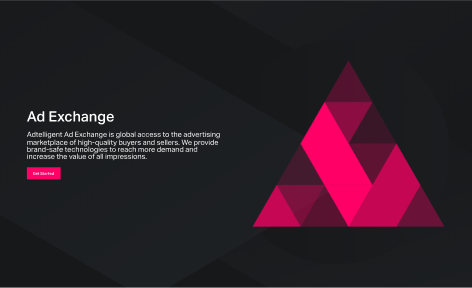
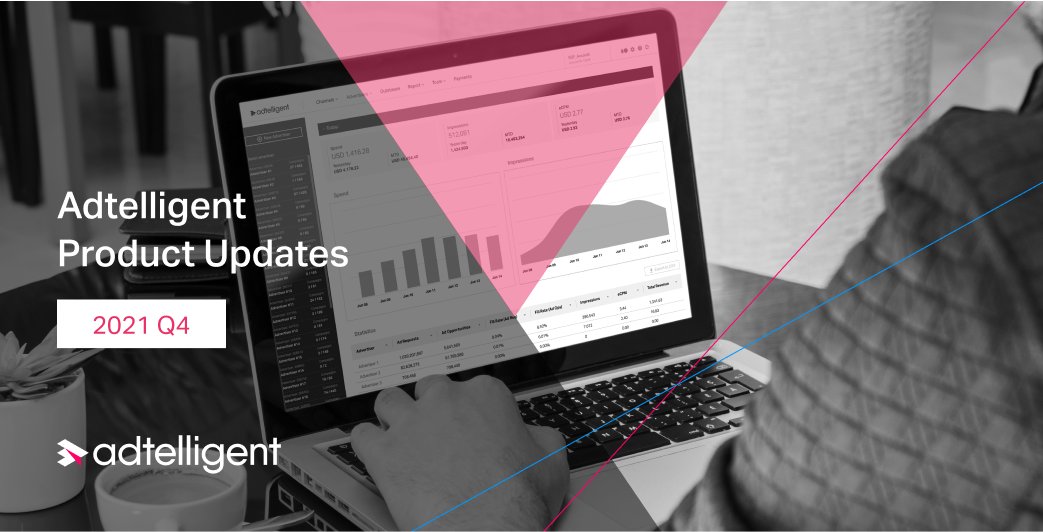
In our visual communication, we use simple geometric shapes with sharp edges, such as a square, pentagon, triangle, and straight lines intersecting at a certain angle. These shapes can have both brand color fills and strokes. In addition, we also use a low-poly technique to serve these objects and a little “Flat” 3d with isometrics in cases where we need to point to our specific product.
Here you can see how we use it.
Here are Some Examples


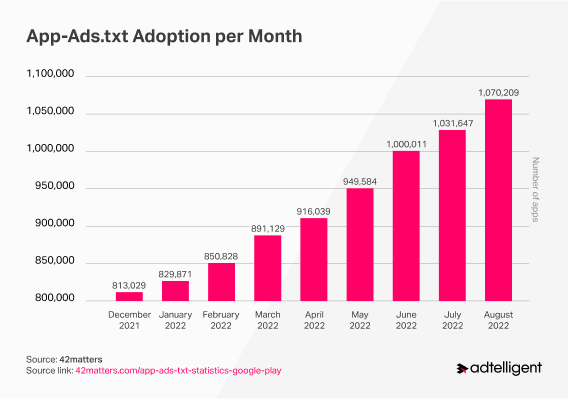
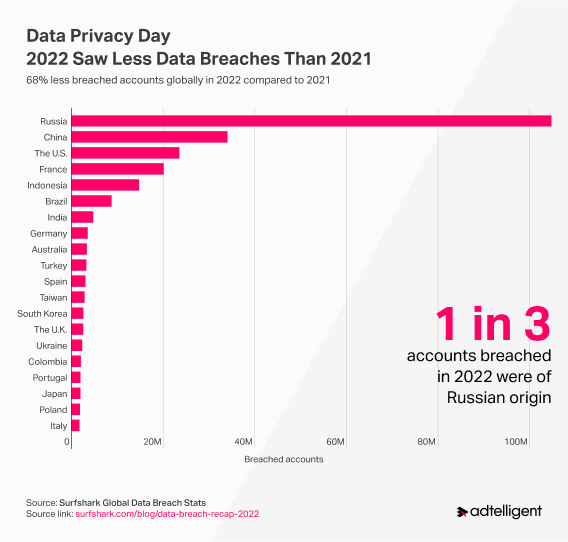
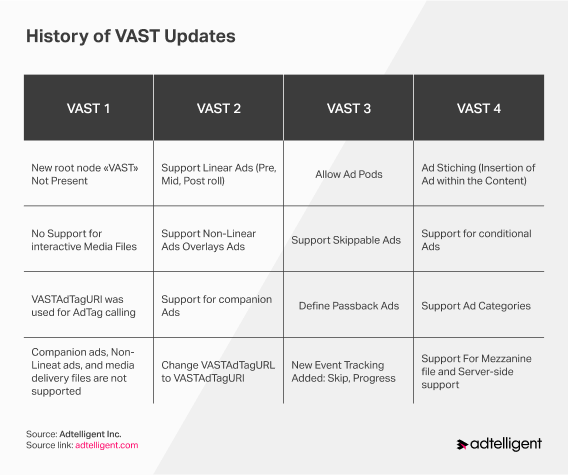
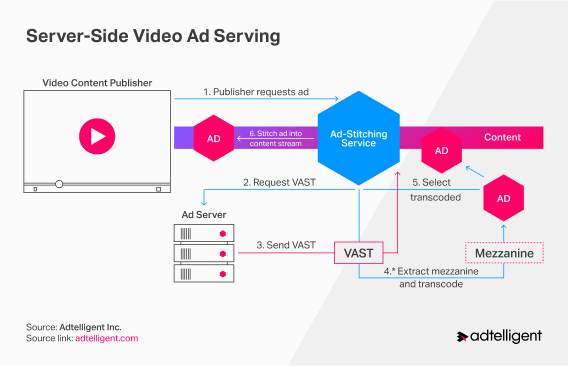
How We Work with Charts and Statistics
Tagline
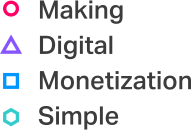
Our tagline, “Making Digital Monetization Simple”, reminds us of our commitment to providing our clients with the technology and support needed to make the adtech industry more transparent and independent using innovative advertising technologies.
Do’s
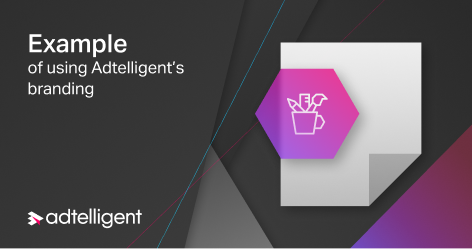
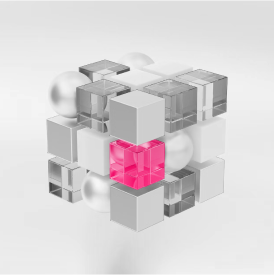
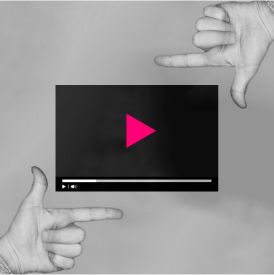
- All fonts are used correctly, and the hierarchy in the text is consistent and prominent.
- Elements such as hexagons, lines, and oblique backgrounds are used here. This is the correct application of our graphic elements.
- We are happy to use photos in our work. However, remember to bleach them or tint them with our accent colors.
Dont’s
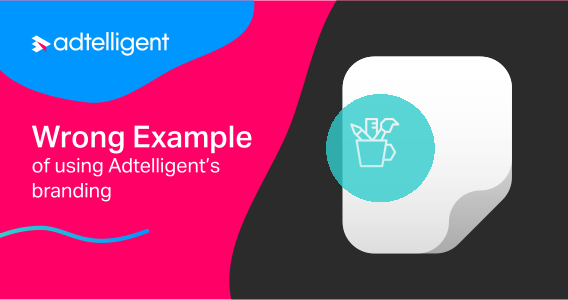

- We try to avoid rounded corners and round elements in our visual communication.
- Try to avoid too many colors. Remember the 70/30 rule. Accent color to emphasize something significant.
- Use clear stock illustrations. In our communication, we try to be minimalistic and abstract.
- Our designs mainly feature sharp geometric shapes. We advise against using streamlined lines and shapes.
AI-Generated Content
At Adtelligent, we embrace innovation while maintaining full transparency. In compliance with our Terms of Service and applicable regulations like the EU AI Act, any graphic content, imagery, or visual assets that are entirely generated or materially modified using Artificial Intelligence must be clearly labeled on our platforms.
Important:
We strongly recommend prioritizing real, authentic photos and video content over AI-generated imagery. Content created by artificial intelligence should only be used when absolutely necessary.
 Version 1
 Version 2
Apply the official AI icon to visuals created from scratch using AI generators or where AI significantly altered the core subject matter.
The AI icon must always be placed in the bottom right corner of the visual.
Always use the icon at 50% opacity. Apply the white version on dark backgrounds, and the black version on light backgrounds.
The icon must be clearly visible but not overpowering. Scale its width to approximately 5-10% of the entire image width.
Exceptions: Standard design enhancements, such as basic color correction, cropping, or automated background removal, do not require an AI label.


Press Downloads
You are free to use the files provided here.
You can find information about how we distribute our materials in the Terms of Services and the Terms and
Conditions
If the files you need are unavailable, please contact us.
Let’s move forward
16192 Coastal HWY,
Lewes, Sussex, DE,
US 19958